
The Reality: Mobile Is the Default
Despite years of discussion, many teams still treat mobile as a secondary concern. But for most products today, mobile is the primary — and often first — touchpoint. Users browse, shop, read, and manage their lives on small screens, frequently under imperfect conditions like slow networks, glare, and distractions.
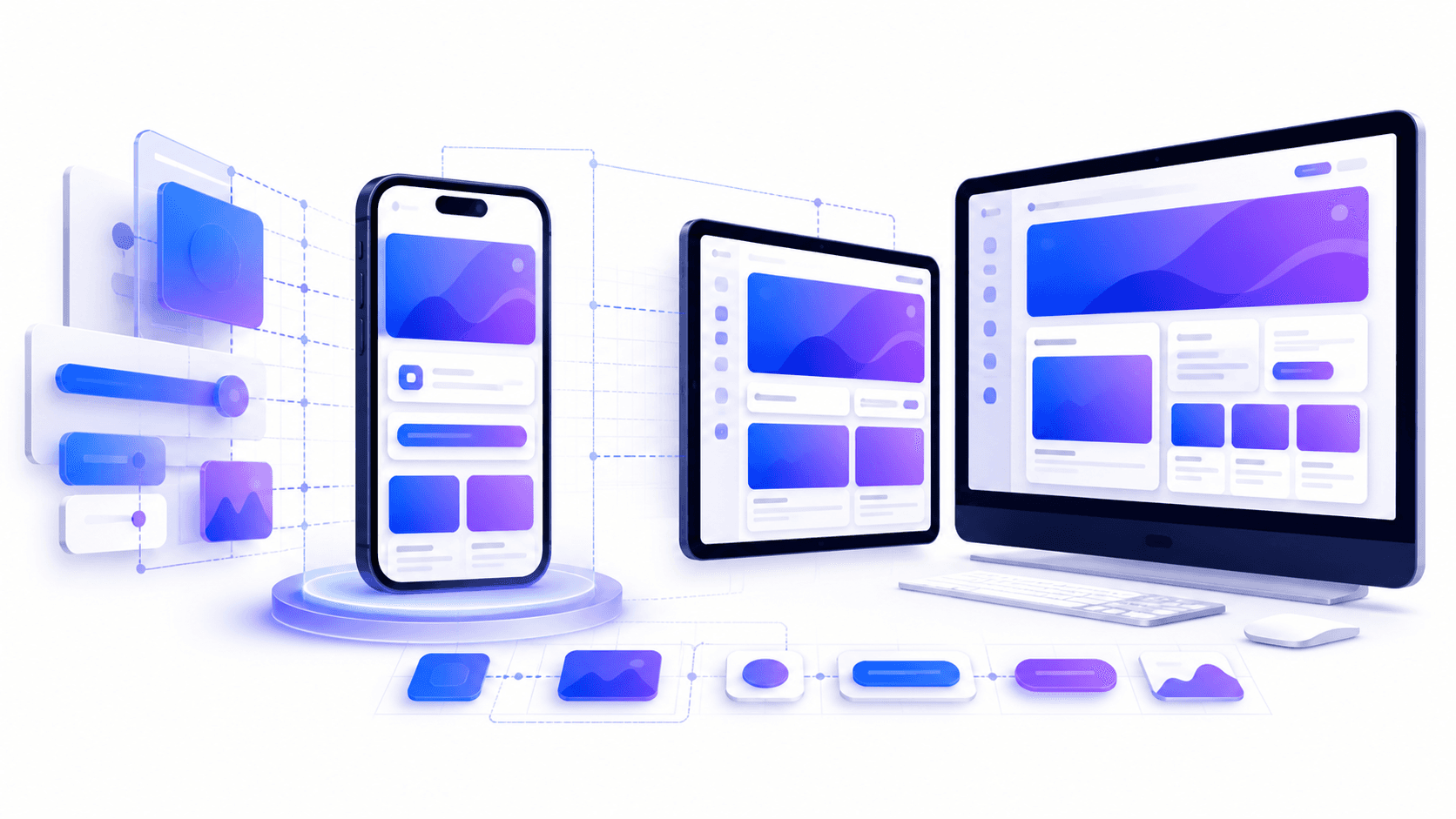
Mobile-first design isn’t about designing only for phones. It’s about starting with the most constrained environment and scaling up — ensuring clarity, performance, and usability everywhere.
What Mobile-First Actually Means
- Designing for constraints: Small screens, touch input, limited attention, and variable connectivity.
- Progressive enhancement: Start with core content and functionality, then layer in enhancements for larger screens and more capable devices.
- Content prioritization: Ruthlessly focus on what matters most to the user at each step.
- Performance by default: Lightweight layouts and assets that load fast on real-world networks.
Why Mobile-First Still Wins
- Better Usability: Forced prioritization leads to clearer navigation, simpler flows, and fewer distractions.
- Improved Performance: Smaller bundles, fewer assets, and faster load times benefit all devices.
- Stronger Accessibility: Touch targets, readable typography, and linear layouts improve access for everyone.
- SEO Advantages: Search engines predominantly index mobile versions — performance and content parity matter.
- Higher Conversion Rates: Clear CTAs and reduced friction improve task completion on the most-used device.
Mobile-First vs Responsive Design
Responsive design adapts layouts across breakpoints, but mobile-first defines the starting point. Many responsive sites still begin with desktop assumptions and hide or compress content for mobile — leading to bloated payloads and compromised UX.
A mobile-first approach flips this model:
- Start with the smallest breakpoint.
- Ship only essential content and interactions.
- Add layout complexity, secondary features, and enhancements at larger breakpoints.
Design Principles for Mobile-First Experiences
- Content Hierarchy: One primary action per screen where possible.
- Thumb-Friendly Design: Place critical actions within comfortable reach zones.
- Readable Typography: Adequate font sizes, line height, and contrast — no zoom required.
- Touch Targets: Minimum 44×44px interactive elements to avoid mis-taps.
- Feedback & State: Clear loading, success, and error states for slow or interrupted interactions.
Performance Is a Mobile UX Issue
Mobile users are more sensitive to delays. A mobile-first mindset treats performance as a core design requirement, not a technical afterthought:
- Optimize Largest Contentful Paint (LCP) for mobile first.
- Reduce JavaScript and third-party scripts.
- Use responsive images and next-gen formats.
- Design skeleton states and progressive loading patterns.
Common Mobile-First Mistakes
- Hiding Features Instead of Reprioritizing: Mobile isn’t a “lite” version — it’s a focused one.
- Desktop-Only Interactions: Hover-dependent UI and dense tables break on touch devices.
- Ignoring Real Context: Designing on fast Wi-Fi with large screens masks real-world friction.
- Late Mobile Testing: Treating mobile as a QA step instead of a design foundation.
Mobile-First in Practice: A Simple Workflow
- Define the core user goal for each page or flow.
- Design the smallest viable screen that supports that goal.
- Remove or defer secondary actions.
- Test on real devices and slow networks early.
- Enhance layouts, spacing, and parallel actions for larger screens.
KPIs to Measure Mobile UX Success
- Mobile Task Completion Rate
- Mobile Conversion Rate
- Core Web Vitals (mobile field data)
- Bounce Rate by Device
- Time-to-Value on Mobile
Conclusion
Mobile-first design remains non-negotiable because it aligns teams with real user behavior, real constraints, and real outcomes. Products designed mobile-first are clearer, faster, and more resilient — not just on phones, but across every device.
If your product roadmap still treats mobile as a secondary adaptation, now is the time to flip the approach. Start small, prioritize relentlessly, and let mobile constraints guide better design everywhere.
Need help auditing or redesigning your mobile experience? Explore our Mobile UX & Product Design services to get started.